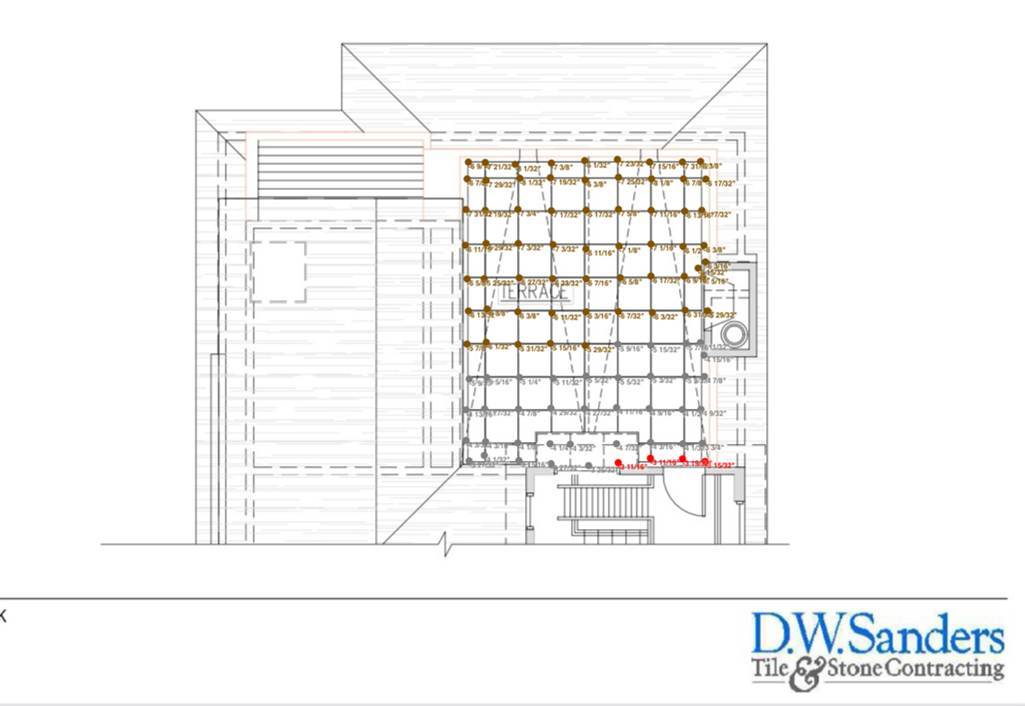
PEDESTAL MAPPING
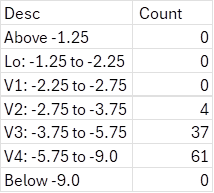
Smart Level has just introduced our new “Pedestal Mapping” function. This allows you to plot each location height, and Smart Level will figure out which pedestal size you need, color code it accordingly, and categorize the totals by pedestal size.
1. Enter the pedestal code to enable pedestal mapping. Tap 3 dots top left on the app, tap the version of the app at the bottom left, enter 6183.
2. To enter the size and color code of your pedestals tap “pedestal settings”. You can adjust to the specific size pedestals you are using as well as color code to your specs.
3. To map a pedestal area refer to “Image Mapping”.